
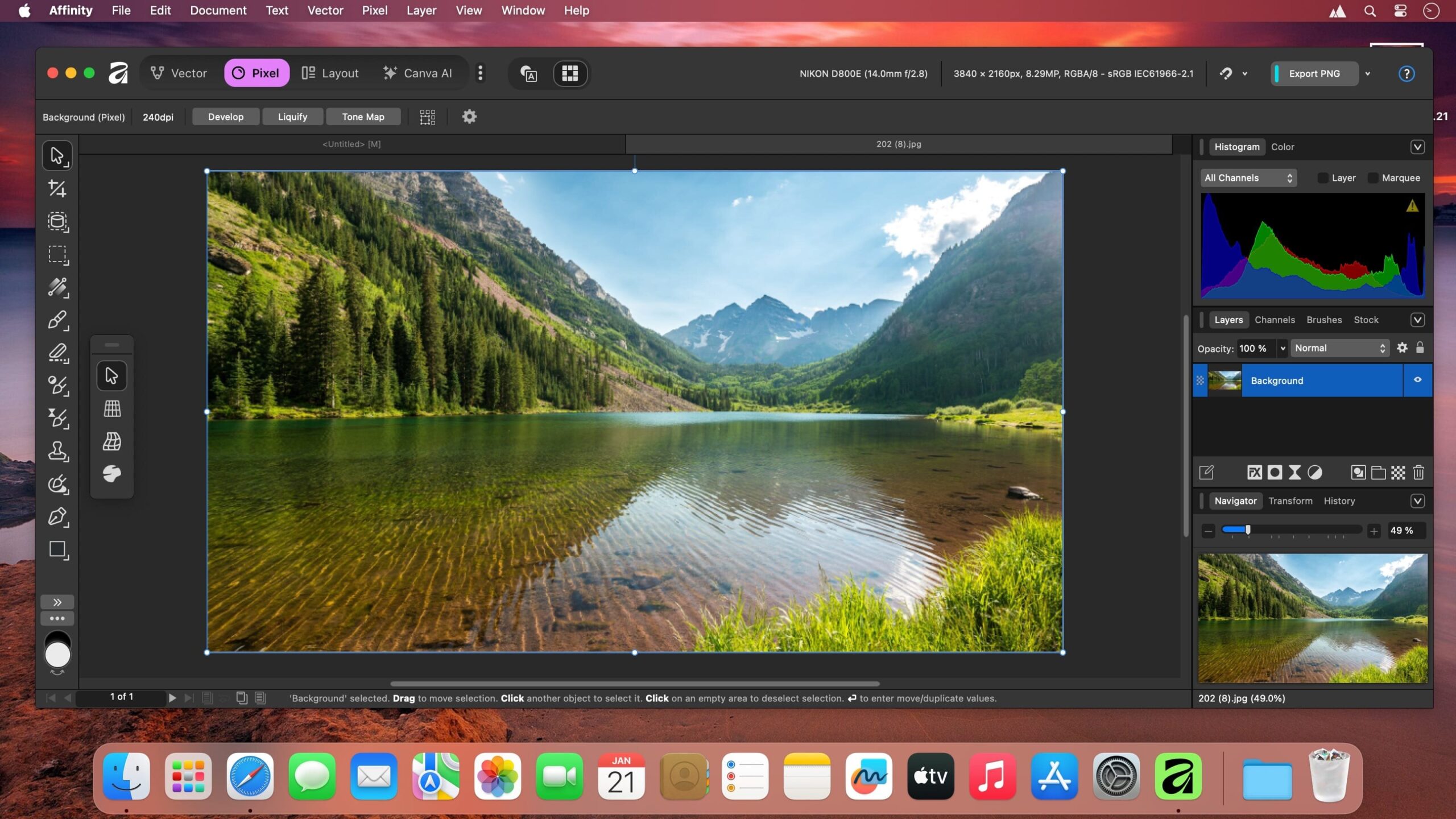
Affinity by Canva is the ultimate, enterprise-grade creative suite engineered to provide a seamless, high-speed alternative to bloated subscription-based design ecosystems. For years, professional designers, digital illustrators, and photo editors felt trapped by recurring monthly fees just to access their own project files. Affinity by Canva completely smashes this paradigm by uniting three world-class creative studios—vector design, raw photo editing, and advanced page layout—under a single, unified desktop environment.
- Download Link
- Supported Operation Systems
- Features
- Screenshots
- Whats new?
- macOS 10.15 or later
Graphic design
- Responsive tools, real-time flow: Stay in the zone from your first curve to final tweak. Every adjustment happens in real-time and advanced rendering technology means you can pan, zoom, and edit huge files without a hitch. You can even customize your workspace to adapt to your style of working.
- Precision without the pain: Affinity gives you total control over every shape, grid, and guide. Edit curves and nodes with pen point precision, keep everything exactly where it should be with snapping and alignment tools, and use symbols and constraints to ensure icons, logos, and UI components stay consistent across every artboard. Plus, with non-destructive editing, real-time pixel previews, and reliable export, you can refine endlessly, knowing your vector work will always deliver sharp, dependable results.
- One space, endless possibilities: Did someone say open and flexible vector design? Yes, yes we did. Warp shapes, build new forms, and expand or contract paths on the fly. Expressive brushes add texture and life, so digital illustration sits naturally alongside logos or UI. And when you’re ready to expand beyond vector, you can experiment with advanced photo editing and layout tools. It’s all there for you in one smooth space, so you never lose momentum.
- Design that just feels right: Responsive, smooth, and under control – that’s how vector design feels in Affinity. It’s powerful enough to design a full UI system, yet fast enough to sketch out a logo idea mid-meeting. Every move responds in real-time, making the creative process effortless.
- AI that speaks fluent vector: Generate fully editable vectors from a simple prompt — no tracing, no pen tool, no plug-ins. Whether you’re sketching concepts or creating production-ready assets, Affinity’s Generate Vector turns your idea into a clean, node-based graphic you can adjust, recolor, and reshape however you like.
Photo editing
- Non-destructive editing by default: Edit with complete freedom and peace of mind with non-destructive editing by default. Make adjustments, experiment with filters, masks, and more, without ever committing, flattening, or damaging your original image. You can even save your undo history with your file, keeping everything reversible from your first draft to final export.
- Serious power, zero cost: Affinity gives you an entire photo editing toolkit — RAW development, retouching, HDR, batch, macros, unlimited layers — completely free. You can even import PSDs with layer fidelity, and then collaborate with teammates on the free .af file format.
- Fast and frictionless: Affinity’s hardware-optimized, GPU-acceleration renders every brush stroke, zoom, and live filter instantly, keeping full frame-rate panning and editing no matter how big the file grows. It’s fully-fuelled photo editing, built to keep up with you.
Page layout
- One studio for every page: From books, magazines, and marketing materials to social media templates, website mockups, and more, Affinity gives you the structure, flexibility, and control to create complex docs, all in one seamless space.
- Edit images & graphics on the spot: With advanced pixel and vector tools at your fingertips, you can edit all your assets, right in your layout. No more tedious import/export or switching apps. Do everything then and there.
- The typographic precision you need: Adjust every detail with advanced kerning, leading, and line spacing, and flow text along curves for standout effects. Make type more decorative with ligatures, artistic text, OpenType features, and variable font support, and watch your changes update in front of your eyes with live, on-page previews.
Canva Integrations
- Craft in Affinity. Scale in Canva. Do more with your Affinity creations. In just a few simple steps, export your files straight to Canva to collaborate and create at scale, or access your Canva Brand Kit in Affinity to design with brand elements and publish them back to Canva for your team to scale consistently.
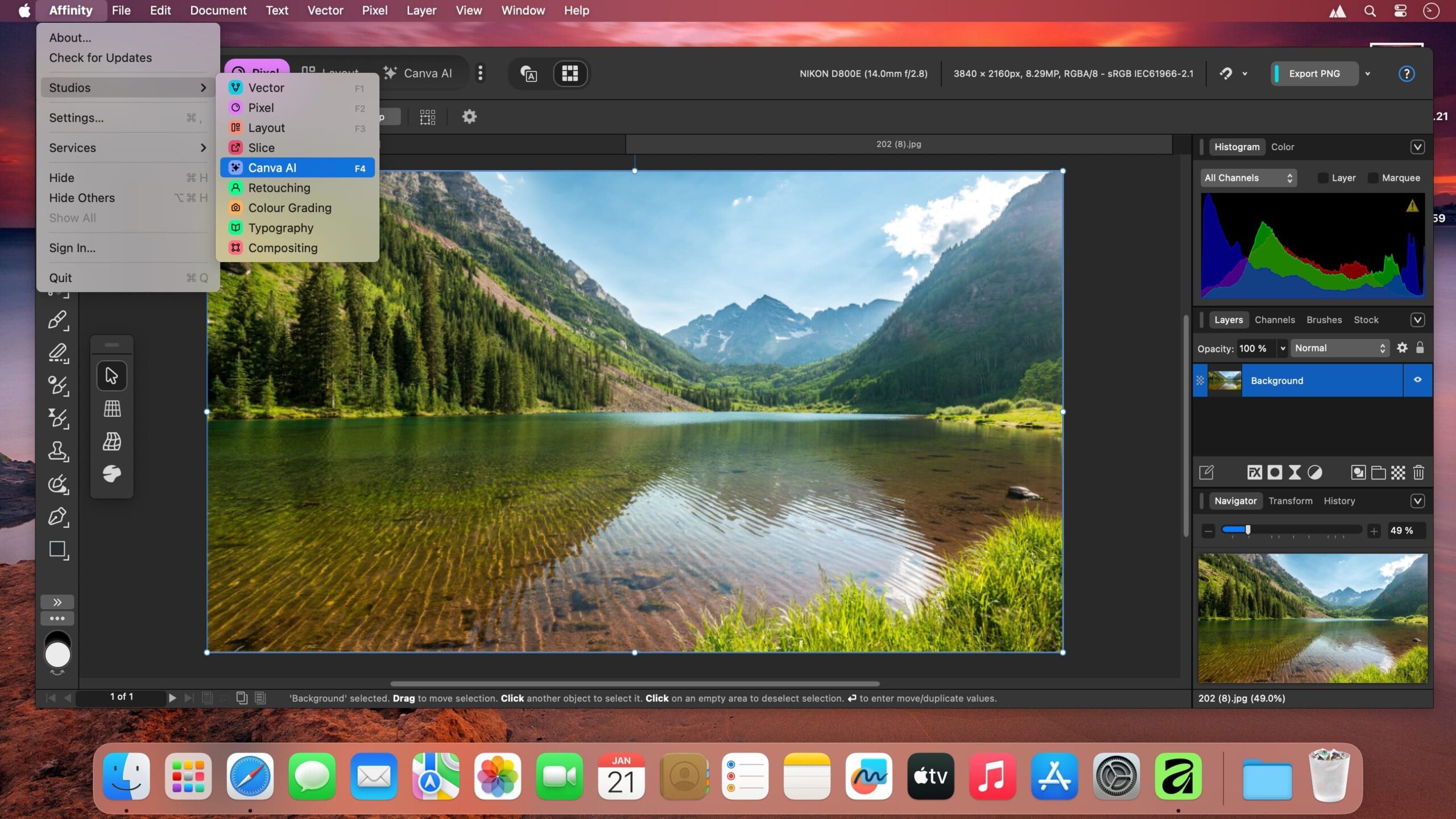
- Thoughtful AI meets precision craft: Creation is all about craft, and we’re here to simplify your creative journey, not complicate it. That’s why we’ve brought only the most useful AI tools into Affinity with the Canva AI Studio.
All your pro tools. One creative home.
- Design in Affinity, keep it moving in DaVinci Resolve: DaVinci Resolve now supports native Affinity .af files, so your designs move straight into professional video editing without the usual file gymnastics. Plus, when you update and save the .af file in Affinity, DaVinci Resolve automatically refreshes the track elements and displays the change live.
- From Capture One to Affinity, seamlessly: Easily handoff your Capture One photos into Affinity for advanced editing and retouching. With a single click, your full edit carries through, including layers, metadata, annotations, overlays, guides, and more.
- Affinity’s AI Connector with Claude: Claude now connects with Affinity to automate repetitive production workflows and unlock custom scripting, so professional creatives can focus on craft, not busywork. Affinity’s AI Connector is free during the beta period while we continue to develop and expand its capabilities.
- Release notes were unavailable when this listing was updated.



Show 4 comments