


Unite for macOS transforms any website into a native Mac app-fast, customizable, and tightly integrated with macOS. Instead of juggling browser tabs, create standalone apps that live in your Dock, use native window controls, and behave like regular Mac software.
- Download Link
- Supported Operation Systems
- Features
- Screenshots
- Whats new?
- macOS 15 or later
Make an app in seconds: enter a URL, pick an icon, and customize appearance and behavior. Each app runs in its own lightweight, WebKit-based environment, offering a more integrated and efficient experience than browser web apps or Electron alternatives.
Unite apps are highly configurable: show or hide title bars, match colors to site branding, tweak window styles, and manage tabs with features like pinning and locking. Choose how links open, enable per-app notifications and Focus Mode behavior to minimize distractions, and use built-in modes-standard windows, sidebars, floating or compact views, and menu bar utilities-to suit any workflow.
Additional conveniences include an integrated ad blocker and customizable keyboard shortcuts for faster navigation and daily use.
Turn a website into a Mac app in seconds
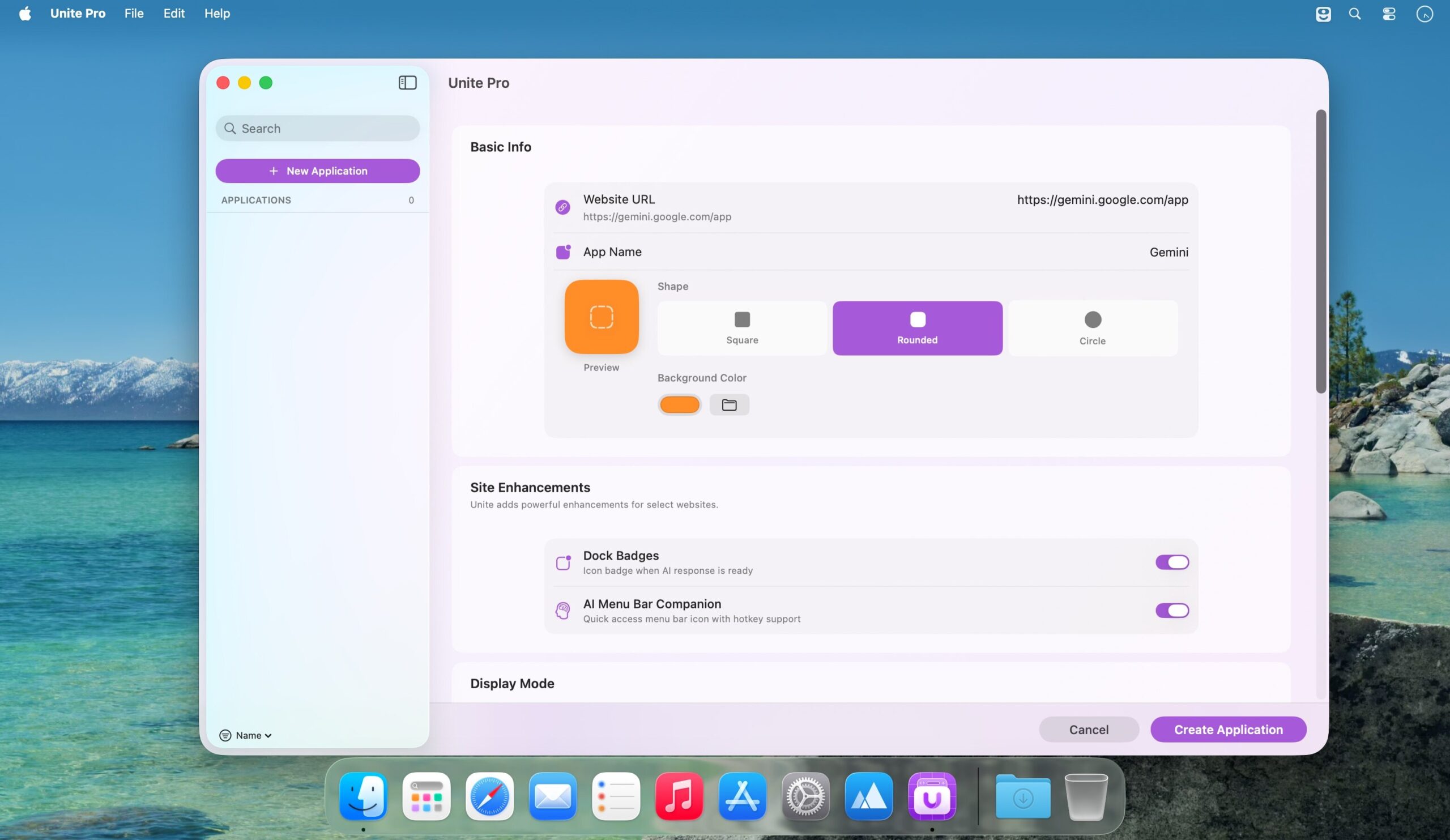
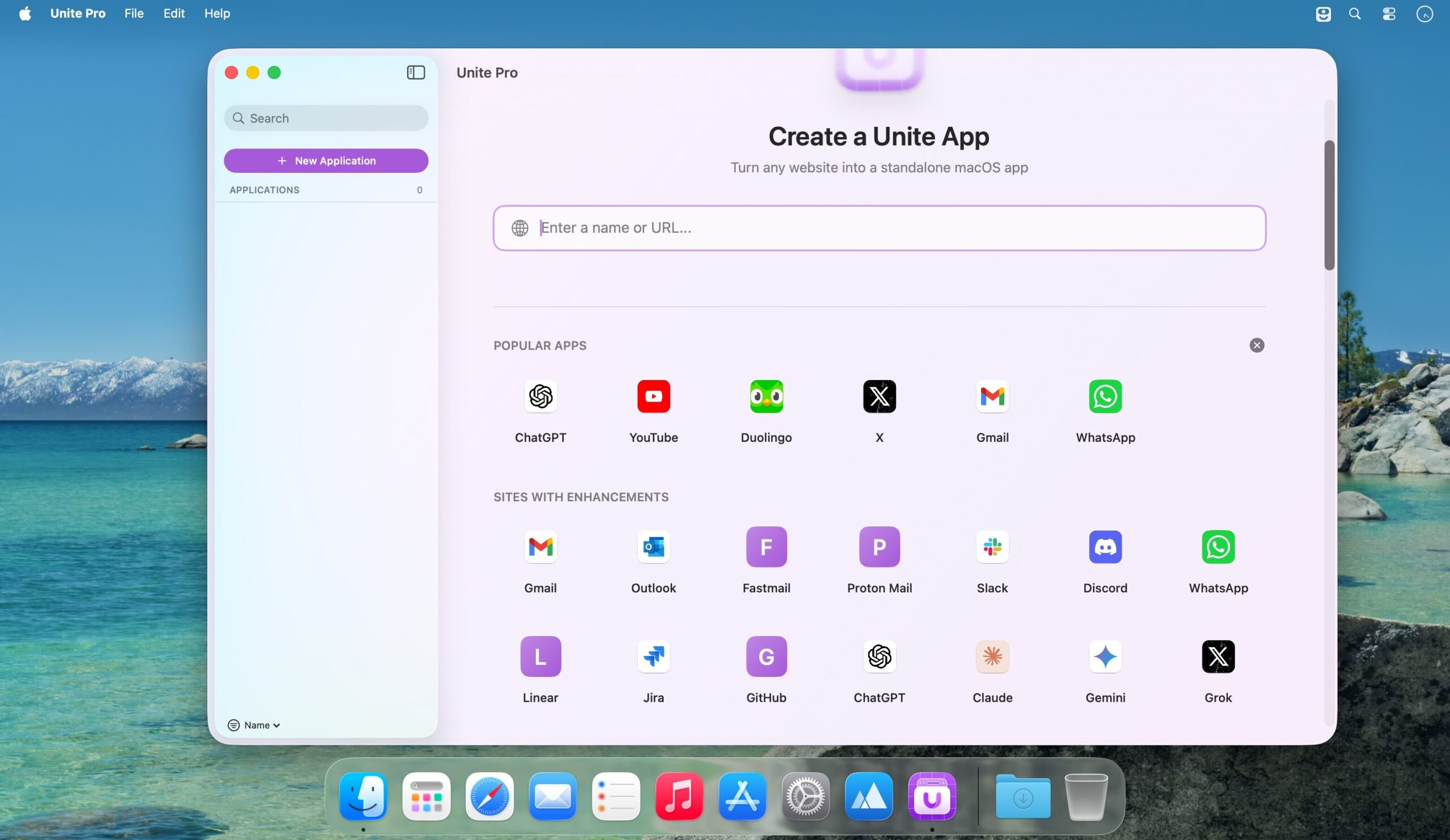
Unite Pro starts with a completely redesigned creation tool that makes turning a website into a Mac app easy for anyone.
Type a name or paste a URL, and Unite Pro intelligently fills in everything else—app name, icon, URL, and recommended settings—so you can get straight to using your app. Or, dive deeper and configure it.
One app. Three ways to work.
Unite Pro apps aren’t locked into a single layout. Each app can instantly switch between three thoughtfully designed modes – so whether you need focus, quick access, or something in between, your apps adapt for you.
A clean, distraction-free window that puts your content first. Toolbars stay out of the way until you need them, windows remember their size, and everything feels unmistakably Mac-native.
Lightweight and instantly accessible. Menu bar apps give you fast access and controls without occupying space on your desktop. They can even refresh automatically on each reveal.
A redesigned, resizable sidebar experience that keeps your most important tools always within reach—perfect for chat apps, task trackers, or anything you want alongside your main work.
Make every website work the way you do.
No two workflows are the same – and your apps shouldn’t be either.
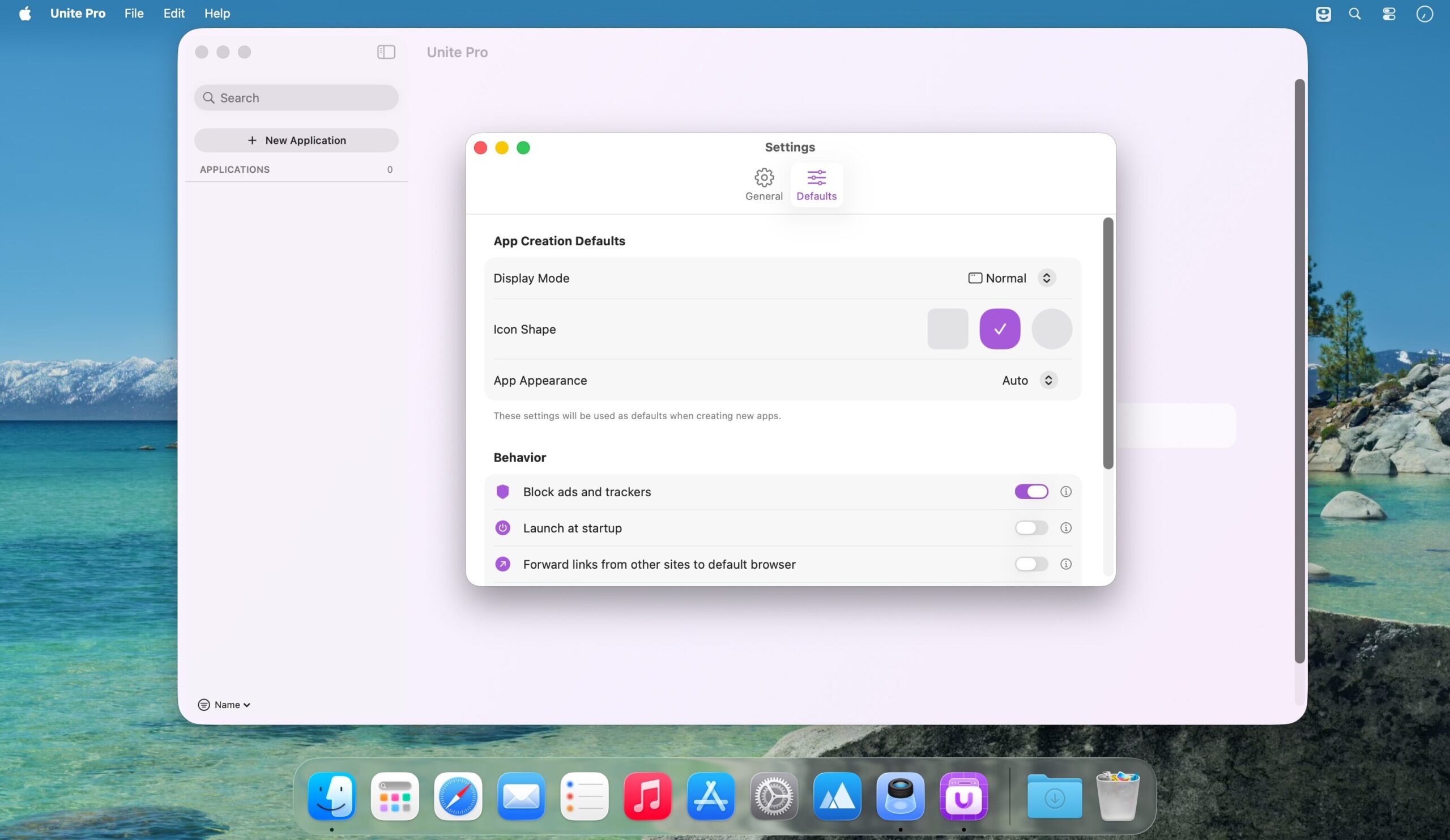
Unite Pro gives you precise control over how each app and website looks, behaves, and integrates with your Mac, so your apps adapt to you instead of the other way around.
Make every app look exactly right.
Unite Pro lets you fine-tune how your Unite apps look on macOS, from smart toolbars that appear only when needed to control over title bars, window chrome, and system controls—so your apps stay clean, focused, and visually consistent with the rest of your workspace.
Keep links where they belong.
Unite Pro intelligently routes links from your Unite apps to the right destination—whether that’s another Unite app or any other browser—while automatically handling sign-in flows and giving you clear control over which URLs are forwarded, allowed, or redirected.
Native behavior beyond the browser.
Some websites become dramatically more useful when they integrate directly with macOS. Site Enhancements add native system capabilities to select services, turning everyday websites into tools that behave like real Mac apps.
Thoughtfully Built, Everywhere It Matters.
Unite Pro includes a range of refinements and system-level features that make it feel polished, powerful, and unmistakably Mac-native—from creation to customization to everyday use.
- Improved Media Key Support: Media controls now continue working on many more websites, even when the page is hidden or running in the background.
- Improved Fullscreen Video Playback: Fixed issues where fullscreen playback was not working correctly in YouTube playlists and Netflix.
- External App Link Improvements: Improved support for links that open native apps through custom URL schemes, including tools like Obsidian, Things, and remote-control utilities.
- Safer External App Prompts: Unite now uses clearer confirmation behavior for external app links, with remembered choices and protection against repeated background launch attempts.
- Window Titles in Dock Menus: Window titles now update correctly in the Dock icon right-click menu, making it easier to identify and switch between open windows.
- Window Title Visibility Fixes: Fixed issues where window title visibility settings could become out of sync, including when toggling the title from the View menu.
- NotebookLM Compatibility Fix: Fixed an issue where NotebookLM modules would fail to load correctly inside Unite apps.



Show 1 comment