

LookAway is a break reminder app that stands out from its competitors due to its user-friendly interface, customizable features, and ease of use. It offers greater flexibility in scheduling breaks and provides a heads-up to ensure that important tasks are completed before the break ends.
- Download Link
- Supported Operation Systems
- Features
- Screenshots
- Whats new?
- macOS 13.0 or later
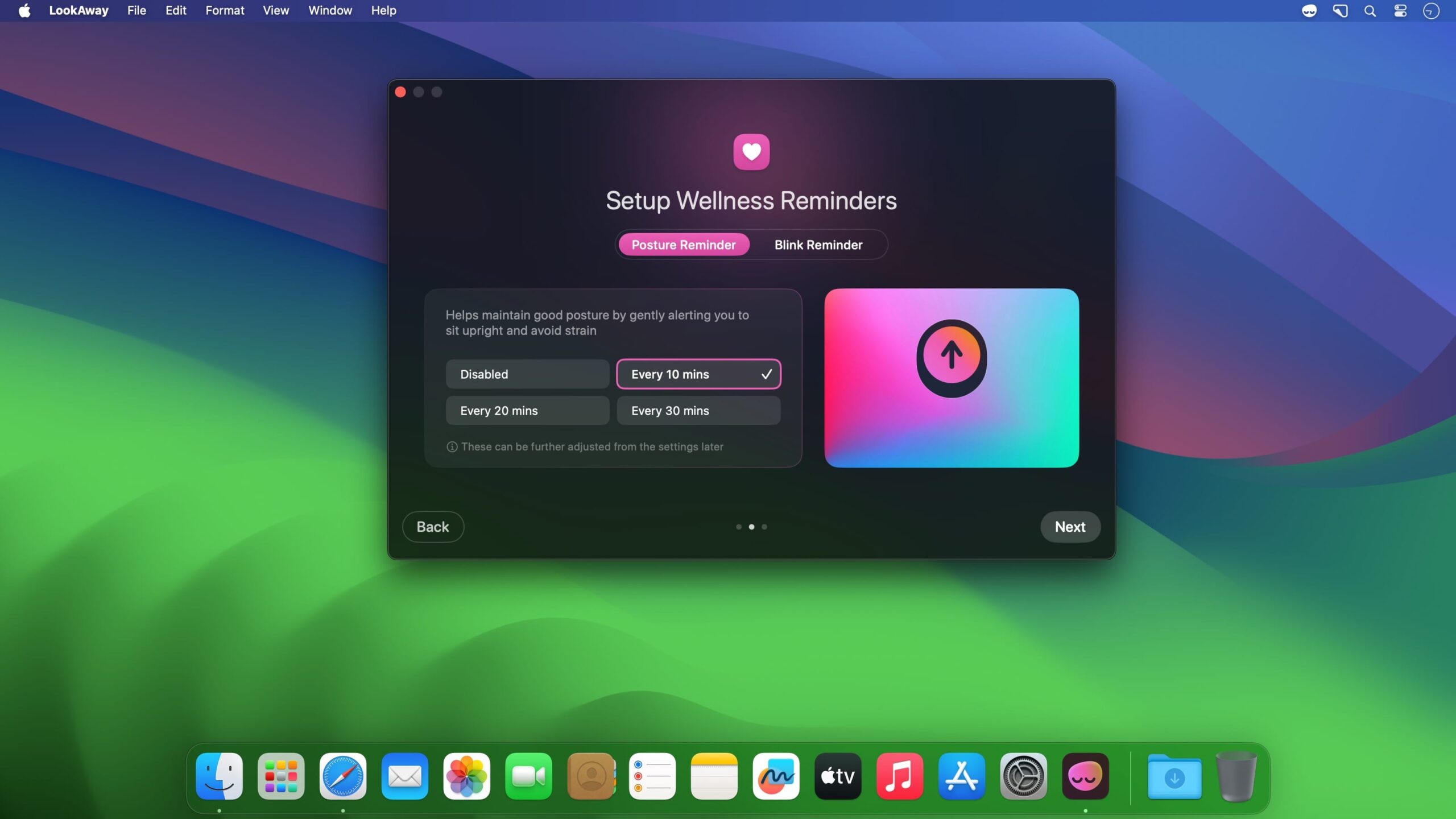
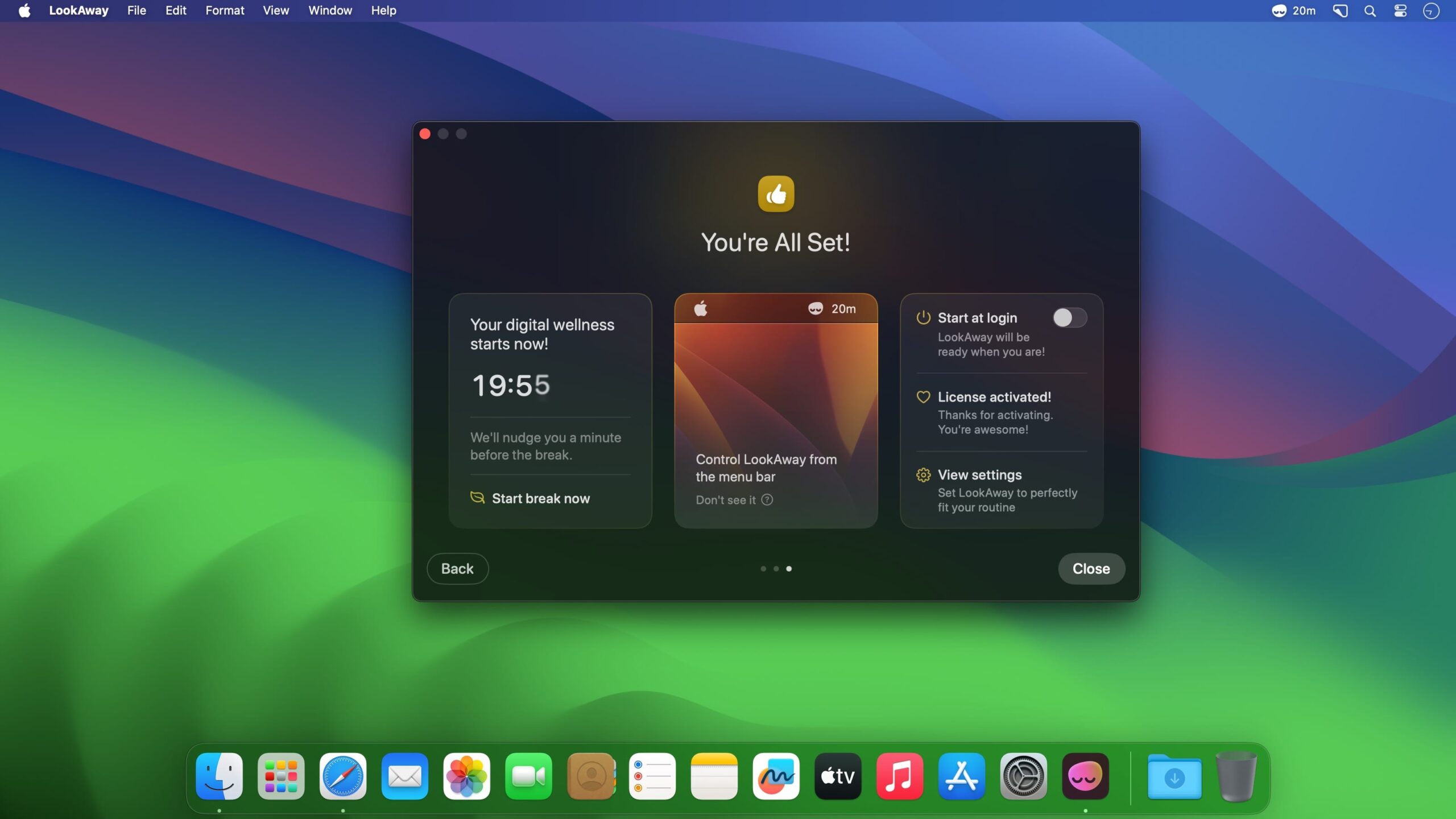
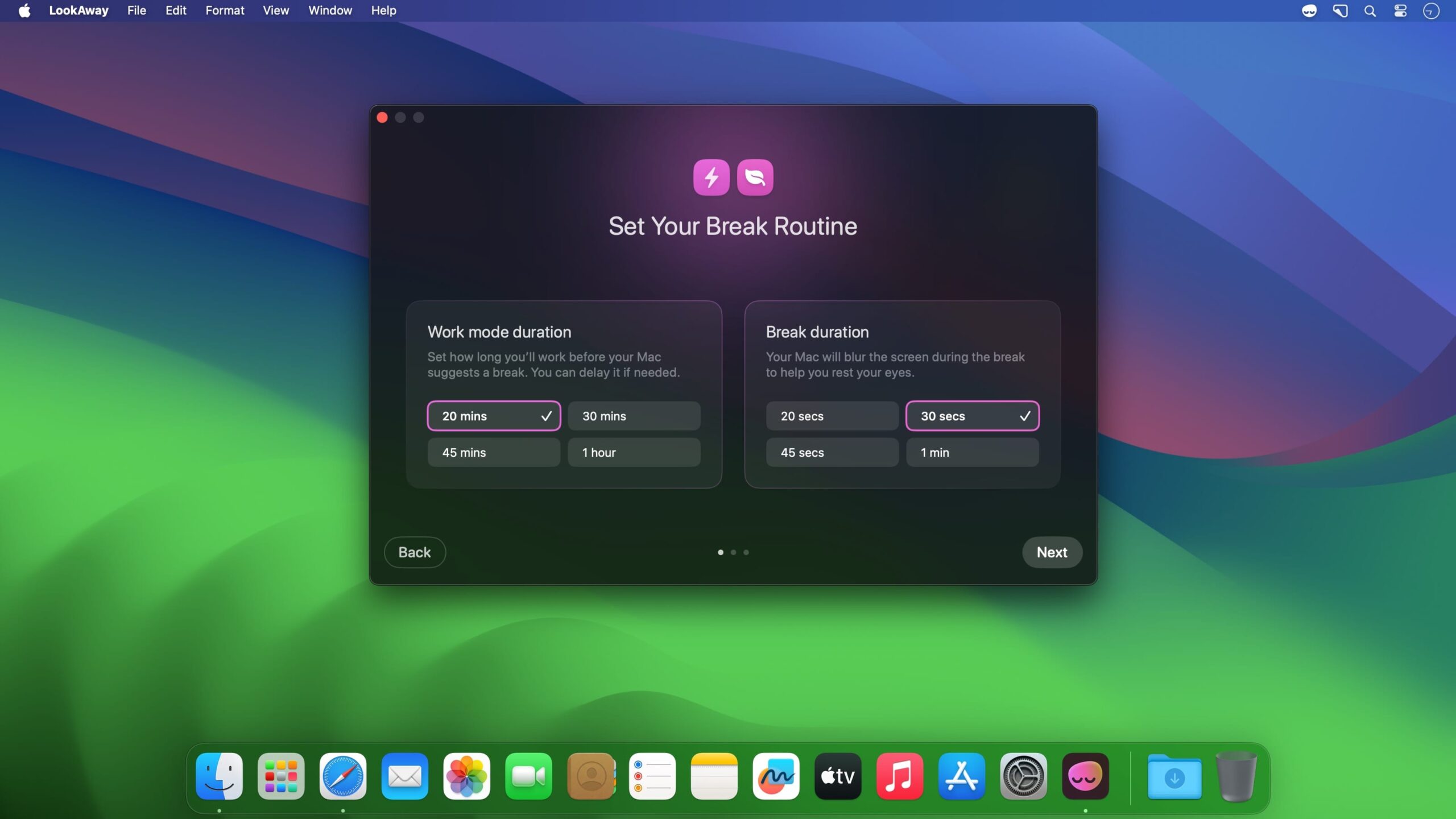
At launch, you’ll need to set your focus and break lengths, which you can later customise. The focus timer starts and the app moves to the menu bar. Here, you can check on it and adjust your settings.
When a break is due, a message pops up on your screen and covers your desktop. You’re prompted to look away and rest your eyes, but you can skip the break if you prefer. An optional notification can alert you of an upcoming break to avoid interruptions.
The app offers numerous quality-of-life features to help you integrate it into your workflow.
A soft chime plays when your break ends, which is helpful if you’ve risen from your desk.
If you’re idle for over a minute, the timer pauses. Five minutes of idle time resets the timer, starting a new focus period when you return to work.
The app pauses completely during meetings or calls to avoid interrupting important conversations.
LookAway seamlessly blends into your routine without getting in the way.
Many break reminders are either too intrusive or not intrusive enough. LookAway strikes a perfect balance by gently nudging you to take breaks without forcing you. Its intuitive design allows you to tweak every aspect of its functionality to suit your needs.
- Stepping away from your Mac no longer triggers a blocking dialog when you return. LookAway now quietly makes the right call on its own and shows a brief toast with an undo option — and if it’s obvious you never left, it stays completely silent.
- Added a new menu bar option where you can see how your last away time was handled and fix it if LookAway got it wrong.
- Advance skipping is back: skip an upcoming break ahead of time, with a configurable daily limit.
- You can now start a break whenever you want, at any length you want. Access it from the menu bar, keyboard shortcut, or AppleScript.




Leave a comment