


Total Video Player is a powerful, full-featured HD media player, supporting 1080p, 3gp, Mp4, H264, Mov, Flv, and all other popular video files together with any audio formats (Mp3, Wma, Ogg, Mpeg-1, Mpeg-2, etc.) as well as DVDs and CD audio.
- Download Link
- Supported Operation Systems
- Features
- Screenshots
- Whats new?
Supported Operating Systems
No need to install any video codecs with this small-sized tool to play almost any media formats! With the perfect playlist manager and pinned screen feature, it is the best Video Player in Appstore nowadays to give you an incredible visual enjoyment experience.
Key Features:
Fully enjoy the vivid 1080p HD video.
Play incomplete or corrupted video.
Play almost any video format without making your Mac hot: TS, MTS, M2TS, MXF, TRP, TP, MP4, M4V, QT, MOV, MPG, MPEG, MPEG2, MPEG4, MJPG, MJPEG, AVI, 3GP, 3G2, FLV, MOD, TOD, RM, RMVB, WMV, ASF, MKV, F4V, DAT, DV, DIF, WebM, HD MPG, HD MPEG, HD MPEG2, HD MPEG4, HD MP4, HD WMV, QuickTime HD MOV…
Support all common audio formats: FLAC, WAV, WMA, MP3, MP2, AAC, AC3, AIFF, APE, CAF, MPC, QCP, OGG, M4A, M4B, AUD, MKA, AIFC, RA, RAM, AU, AIF, CUE…Full-screen playback
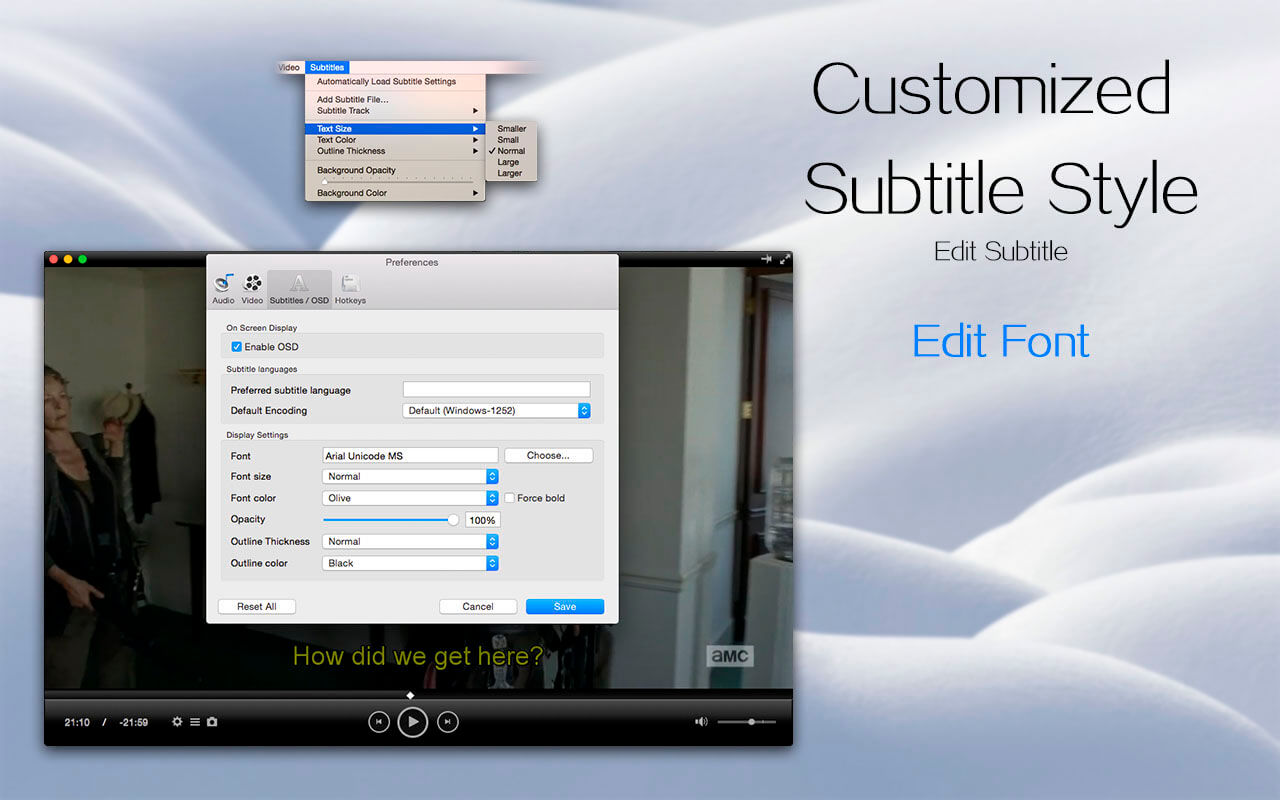
2 Subtitle Functions
- Support embedded subtitles in MKV and mp4 files.
- Add external subtitle files.
- Automatically load subtitle that name is same as the video.
- Subtitle’s font, text color, and text size could be adjusted.
- Supported subtitle formats: SubRip(.srt), Sub Station Alpha(.ssa, .ass), SAMI(.smi), VobSub(.idx/.sub), MPL2…
3 Deinterlace Feature
You could still enjoy the same effect as 1080P full HD video even if the movie is in 1080i format.
4 Humanization Design
- Select Audio Track
- Select Subtitle Track
- Set audio device (5.1, 2 front 2 rear, stereo, mono, A/52 over S/PDIF)
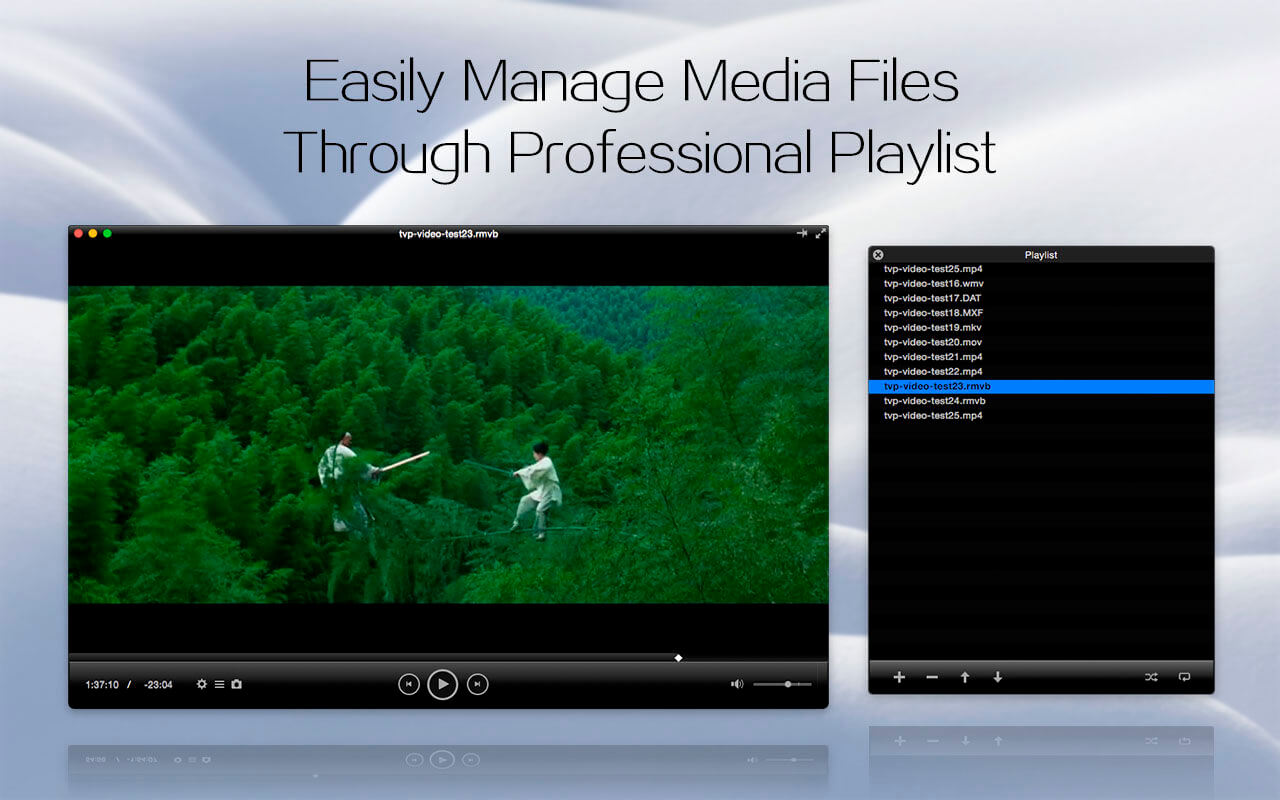
5 Playlist
- Order, Loop
- Manage your media files with playlist
6 Support Retina
- ” A – B Loop” function, with which you can enjoy your favorite video clips again and again!
- Intuitive and beautiful interface
- Improved algorithms to make you play videos more smoothly
- More useful shortcuts
- Volume Control
- Screenshot Capture.
- Player screen could be always pinned at the front.

- Added native support for Apple Silicon instruction sets, fully leveraging the performance of M-series chips.
- Enabled hardware-accelerated decoding for H.264 and H.265 videos, delivering smooth, stutter-free
- 4K UHD playback with low power consumption.
- Optimized the TVP boot sequence, significantly reducing application launch speed for faster responsiveness.



Leave a comment